




If you want to step into the world of trading with IQ Option, registration and login are the two things you need to get right from the start. Whether you are creating a new account or returning after a break, this guide walks you through every step — from signing up and verifying your identity in Thailand, to account types, deposit options, and security settings.
The team at Th-Option has studied the IQ Option platform in detail so you get practical, current information rather than generic advice. By following the steps outlined here, you can get started with your trading journey confidently and without unnecessary delays.
What is IQ Option and who is it for
IQ Option is an online trading platform that offers access to forex, CFDs, stocks, ETFs, cryptocurrencies, and digital options. Founded in 2013, it now counts over 40 million registered users worldwide. It is known for its clean design, competitive spreads, and a $10 minimum deposit that keeps the barrier to entry low.
The broker holds a CySEC licence (number 247/14), which means it operates under European financial regulations. For local users, access to IQ Option’s full instrument range — including CFD contracts on indices, CFDs on stocks, and forex majors — is available through both web and mobile apps. The trading experience suits beginners and intermediate traders equally well.
Traders get access to a variety of financial instruments across multiple asset classes. Whether you want to trade casually from your phone or build a more systematic routine, everything is available without needing external tools. Beginners can open a free demo account and practice without any financial risk before committing real money.
| Feature | Details |
| Founded | 2013 |
| Regulator | CySEC (license 247/14) |
| Registered users | 40+ million |
| Minimum deposit | $10 (real account) |
| Demo account balance | $10,000 virtual |
| Available instruments | Forex, CFDs, stocks, ETFs, crypto, options |
| Mobile apps | iOS (App Store) and Android (Google Play) |
| Support languages | 13+ including Thai |
How to create an IQ Option account step by step
Getting started with your trading journey on IQ Option takes less than five minutes. The registration process is straightforward, but a few details matter — doing it correctly the first time means you can get to the trading section without delays.
Go to the official IQ Option website or download the app from the App Store or Google Play. Click Register on the homepage. Enter your email address and password in the fields provided. Social sign-up options via existing accounts are also available if you prefer to skip manual entry. Once registered, a confirmation email arrives — click the link to activate and start trading on IQ Option right away.
After activation, you land directly in demo mode. No deposit is required at this stage. Use the demo to get familiar with the layout, try different instruments, and understand how orders work before you fund your account.
Registration options
| Method | Time required | Notes |
| Email and password | 2 minutes | Email confirmation required |
| Social account (Google) | Under 1 minute | Links existing Google login |
| Social account (Facebook) | Under 1 minute | Links existing Facebook login |
How to login to IQ Option and access your account
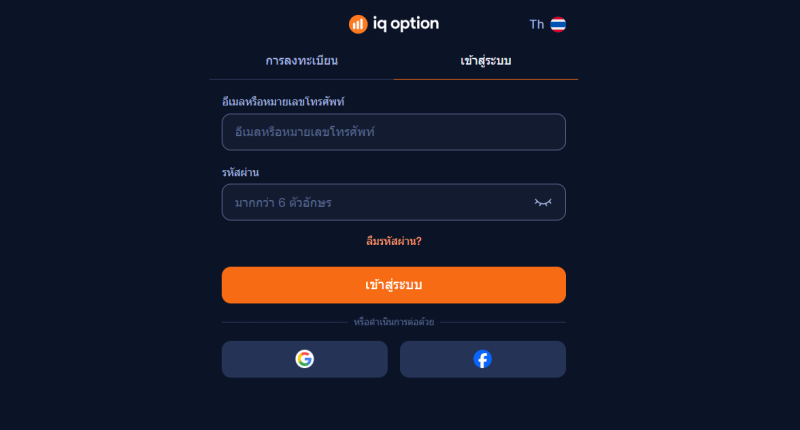
Once registered, navigating to the login page is the next step. Go to the IQ Option homepage and click Log In. Enter your email address and password in the designated fields. If you signed up using a social account, use the corresponding button there instead.
If you have forgotten your password, the reset link sits directly on the login page. Click it, enter your email, and follow the instructions sent to your inbox. The whole reset takes about two minutes. To access your account on mobile, open the app and use the same credentials — the experience is identical to the web version.
By following the steps above, most users are inside the trading area in under a minute. If you encounter any issues logging in — such as a device not being recognised — contact IQ Option live chat support. Response times are typically under three minutes during business hours. Always make sure you are going to the official domain to avoid phishing copies of the site.
What account types does IQ Option offer
IQ Option offers two main options: demo and real. The demo gives you $10,000 in virtual funds and full access to all instruments with no financial risk. It is the recommended starting point for anyone new to the world of trading, because there is no pressure to perform before you are ready.
The real version requires a minimum deposit of $10 — low compared to most brokers in Southeast Asia. Once funded, all live instruments become available. A VIP tier exists for higher-volume traders, which includes a dedicated account manager, faster withdrawals, and additional analytical tools. VIP status is typically reached at cumulative deposits above $3,000, though the exact threshold can change. Choosing the right option for your experience level is the first practical decision you will make on IQ Option.
IQ Option account types compared
| Account type | Minimum deposit | Demo funds | Key features |
| Demo | $0 | $10,000 virtual | Full platform access, no risk, reloadable |
| Real (Standard) | $10 | N/A | All instruments, standard support |
| VIP | ~$3,000+ | N/A | Dedicated manager, priority withdrawals, extra tools |
How to verify your IQ Option account in Thailand
Verification unlocks deposits, withdrawals, and removes trading limits. It is a regulatory requirement under KYC (Know Your Customer) rules. Thai users generally find the process quick if they prepare documents in advance.
To complete identity verification, you need a government-issued photo ID — a Thai national ID card or passport both work. For address verification, a utility bill, bank statement, or official letter dated within the last three months is required. The document must clearly show your full name and current address.
Upload both documents in the Verify Identity section inside your account settings. Accepted file formats are JPG, PNG, and PDF. Each file must be under 8 MB. Make sure all four corners of the document are visible in the image and the text is sharp. Blurry scans are the most common reason for rejection. Verification typically completes within 24 to 48 hours.
| Document type | Accepted formats | Notes |
| Thai national ID card | JPG, PNG, PDF | Front and back required |
| Passport | JPG, PNG, PDF | Photo page only |
| Utility bill | JPG, PNG, PDF | Issued within last 3 months |
| Bank statement | JPG, PNG, PDF | Issued within last 3 months |
How to deposit funds on IQ Option from Thailand
IQ Option supports a wide range of deposit methods. The minimum deposit is $10 for most methods. Deposits are processed instantly for card and e-wallet payments. Bank transfers may take one to three business days.
For regional traders, the most common methods are Visa or Mastercard debit cards, local bank transfers, and e-wallets such as Skrill, Neteller, and WebMoney. Cryptocurrency deposits via Bitcoin or Ethereum are also available. There are no fees charged by IQ Option on deposits — any charges that apply come from the payment provider itself.
Deposit methods available in Thailand
| Method | Min deposit | Processing time | Fee (IQ Option side) |
| Visa / Mastercard | $10 | Instant | None |
| Bank transfer (Thai baht) | $10 | 1-3 business days | None |
| Skrill | $10 | Instant | None |
| Neteller | $10 | Instant | None |
| Bitcoin / Crypto | $10 | Up to 1 hour | None |
| WebMoney | $10 | Instant | None |
What can you trade on IQ Option and how to start
Once logged in, the path to the trading area is direct. IQ Option gives traders access to forex pairs, CFDs on stocks from US and European exchanges, ETFs, commodities, and indices. For those focused on equities, it is one of the more convenient ways to trade stocks on a single regulated platform without opening a separate brokerage account.
For crypto, contracts on Bitcoin, Ethereum, Ripple, and dozens of other coins are available. There is also a digital options section and, in certain regions, binary option instruments. The available products depend on your country of residence due to regulatory differences — in Thailand, most categories are accessible.
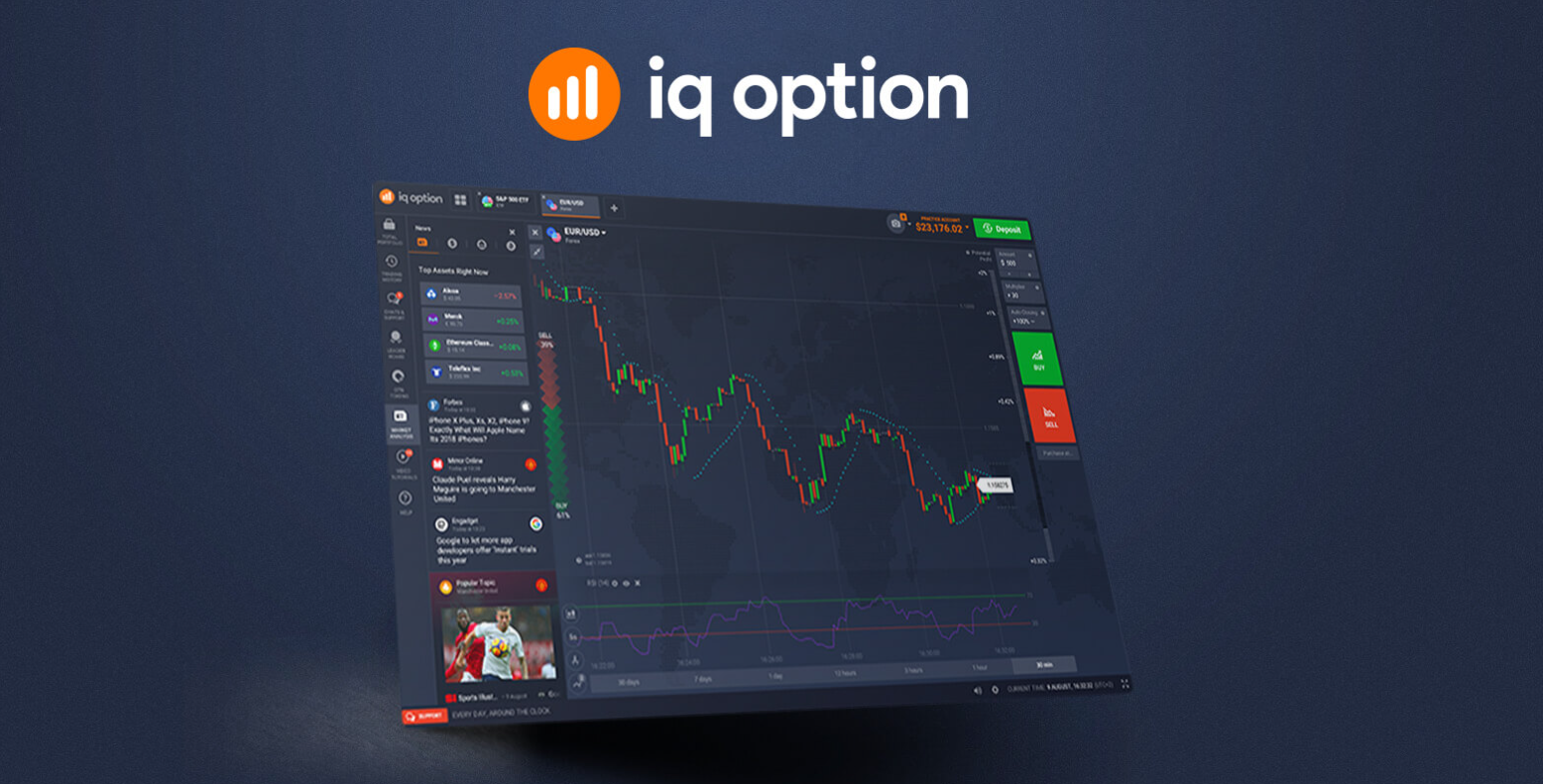
To the trading interface itself, IQ Option brings over 100 built-in technical indicators, drawing tools, and multiple chart types. Access various trading tools and resources without needing a third-party application. This is practical for traders who want to analyse markets and execute positions within one environment rather than switching between tools.
Tradeable instruments on IQ Option
| Category | Examples | Available for Thai traders |
| Forex | EUR/USD, GBP/JPY, USD/THB | Yes |
| CFDs on stocks | Apple, Tesla, Samsung | Yes |
| ETFs | S&P 500 ETF, QQQ | Yes |
| Cryptocurrencies | BTC, ETH, XRP | Yes |
| Commodities | Gold, Oil, Silver | Yes |
| Digital options | Short-term directional trades | Yes |
| Binary option | Region-specific availability | Limited |
IQ Option mobile trading: how to download and use the app
Mobile trading is a core part of how most users engage with the IQ Option platform day-to-day. The app is available for both iOS and Android. Search for IQ Option in the App Store (iPhone) or Google Play (Android) and tap Install. The download takes under two minutes on a standard connection.
The mobile app replicates the full desktop experience. You can open and close positions, use chart indicators, manage your funds, deposit, and contact support — all from your phone. The layout adapts to smaller screens without losing functionality, which matters when you need to react quickly to market moves.
Signing in on mobile is the same process as on the web. Open the app, enter your credentials, and you land directly in the trading section. Push notifications for price alerts and account activity can be enabled in the settings — a useful feature for traders who do not monitor charts continuously.
Security settings you should enable after signing in

The first time you gain access to the IQ Option dashboard, securing it should be the immediate priority. The most important setting is two-factor authentication. Enabling 2FA means that even if someone obtains your password, they cannot enter without a one-time code from your phone.
To activate 2FA, go to your profile settings and select Security. Link your account to an authenticator app such as Google Authenticator and follow the on-screen prompts. After that, every sign-in will require both your password and the current code — the most effective single step you can take to protect your funds.
Additional measures include setting a strong, unique password and not reusing it on other sites. You can also review active sessions in your settings and remove any device you do not recognise. IQ Option sends email alerts when a new device attempts to sign in, which gives you an early warning if something is wrong.
Common problems with signing in and how to fix them
The most frequent issue is a forgotten password. This is resolved in under two minutes by clicking Forgot password on the sign-in screen and following the email instructions. If the reset email does not arrive, check your spam folder and confirm you are entering the registered email address.
Another common scenario is a temporary block after multiple failed attempts — IQ Option restricts access briefly as a security measure. If this happens, wait 15 to 30 minutes before trying again. If you encounter any issues that cannot be resolved through self-service, the live chat support team typically responds within three minutes. Getting these resolved quickly is usually what stands between you and being able to get started with your actual trading.
Some users in Thailand report problems related to VPN conflicts or regional DNS settings. If the site is not loading, try disabling your VPN and connecting directly. The trading environment works across all major browsers including Chrome, Firefox, Safari, and Edge. Clearing your browser cache is often enough to resolve display or loading issues.
Frequently asked questions
Is IQ Option legal in Thailand
IQ Option is accessible in Thailand and used by a significant number of Thai traders. It holds a CySEC licence and complies with European financial regulations. Thai law does not specifically prohibit residents from using internationally regulated brokers for personal trading.
Can I log in to IQ Option with a social account
Yes. On the sign-in page, options to continue with Google and Facebook are available. This connects your existing social credentials to IQ Option and removes the need for a separate password. Identity verification before withdrawals is still required, regardless of the sign-in method used.
How long does account verification take
Standard verification completes within 24 to 48 hours once all documents are submitted clearly. Sending sharp images of your ID and address proof in a single submission avoids back-and-forth delays. Cases where the name on the document does not exactly match registration details can take longer.
Can I trade cryptocurrencies on IQ Option?
Yes. IQ Option allows users to trade cryptocurrencies such as Bitcoin, Ethereum, Litecoin, and Ripple, usually through CFD trading or price speculation rather than owning the actual coins.
How can I set up alerts on IQ Option?
You can set price alerts directly in the trading platform by selecting an asset, opening the chart tools or notification settings, and choosing a price level where you want to receive a notification.
How do I reset my password on IQ Option?
Go to the login page, click “Forgot Password”, enter the email linked to your account, and follow the reset instructions sent to your email.
Is it safe to trade with the IQ Option broker?
IQ Option is considered relatively secure because it uses SSL encryption and regulated structures in some regions (e.g., CySEC in Europe), but traders should still be cautious since trading involves financial risk and there have been user complaints about withdrawals and support.
What is the minimum deposit to start trading on IQ Option
The minimum deposit to activate a real account is $10. This is among the lowest entry points in the industry and makes it practical to begin with a small amount.
What should I do if I cannot sign in
First, use the password reset link on the login page and follow the instructions sent by email. If your account has been temporarily restricted, wait 30 minutes and try again. For persistent problems, contact IQ Option support via live chat or email.
Read also about:









Leave A Comment